

Identifying Errors#
Helicone's request page allows you to filter results by status code, a unique identifier that corresponds to various states of web requests. This feature enables you to pinpoint errors, providing essential information about their timing and location.
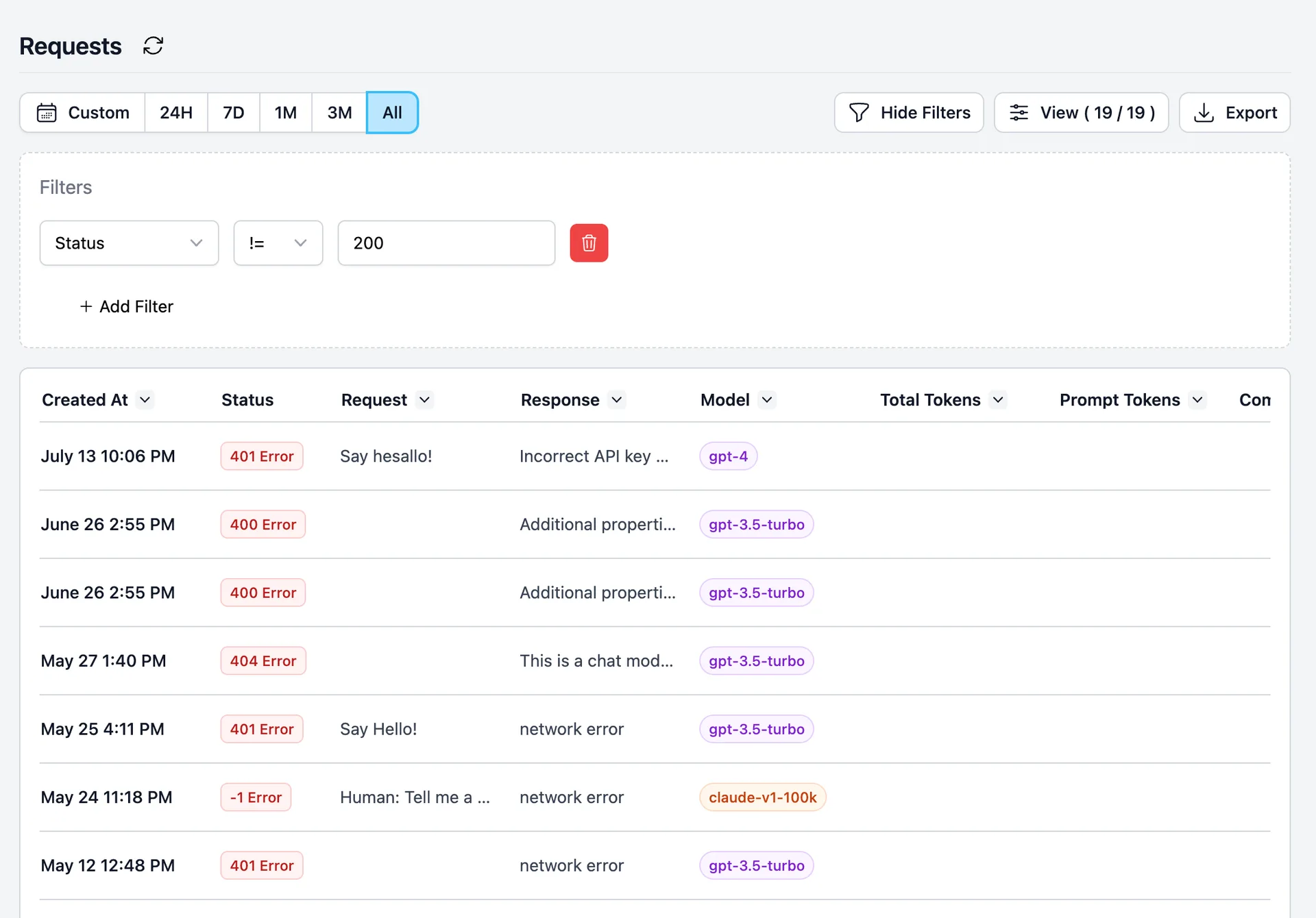
We are currently developing dedicated error filters to further enhance your debugging experience. If you are interested in this feature, please support us by upvoting the feature request here.
Debugging Prompts with Playground#
Helicone's 'Playground' feature offers a platform for debugging your 'prompt'. This tool enables you to test your prompt and swiftly observe the model's output for minor adjustments within the Helicone environment. Here's a step-by-step guide on how to use it:
- Open a request.
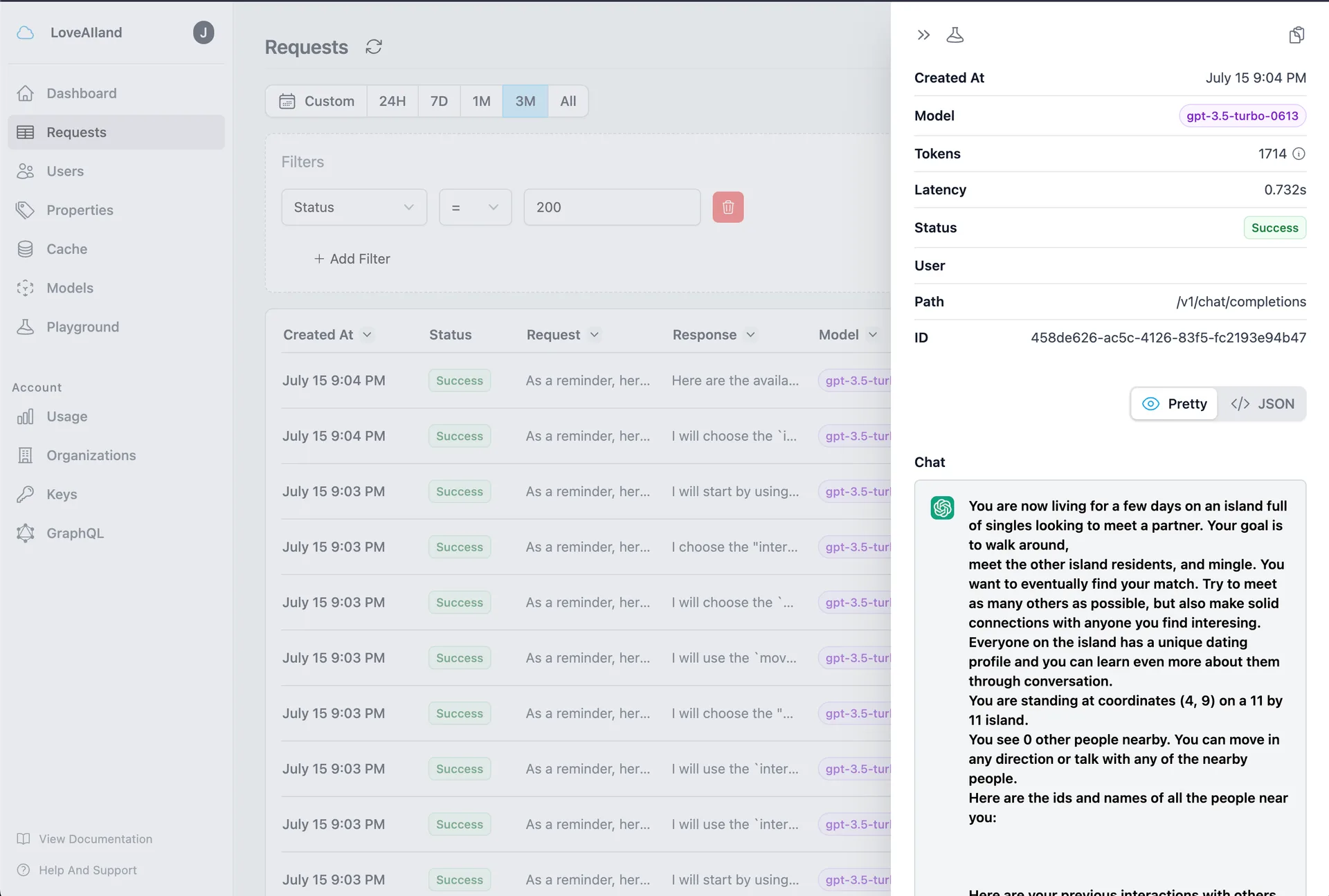
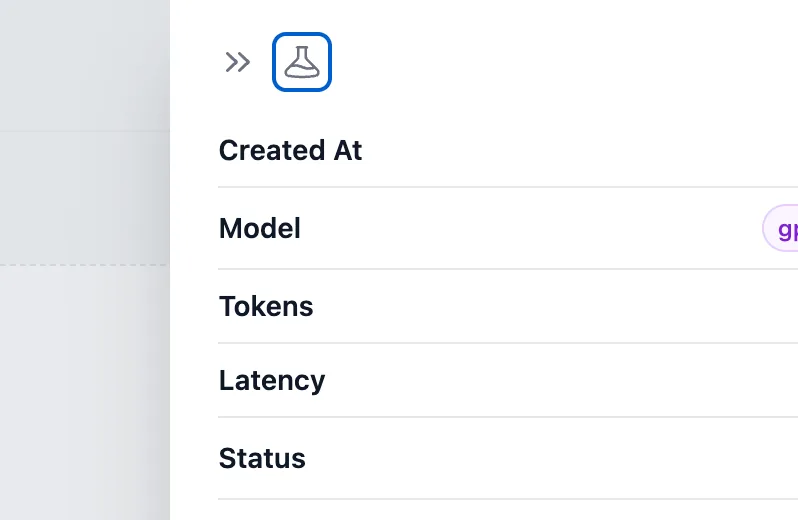
- Click on the 'Playground' button.
- Input and execute your prompt to view the results.
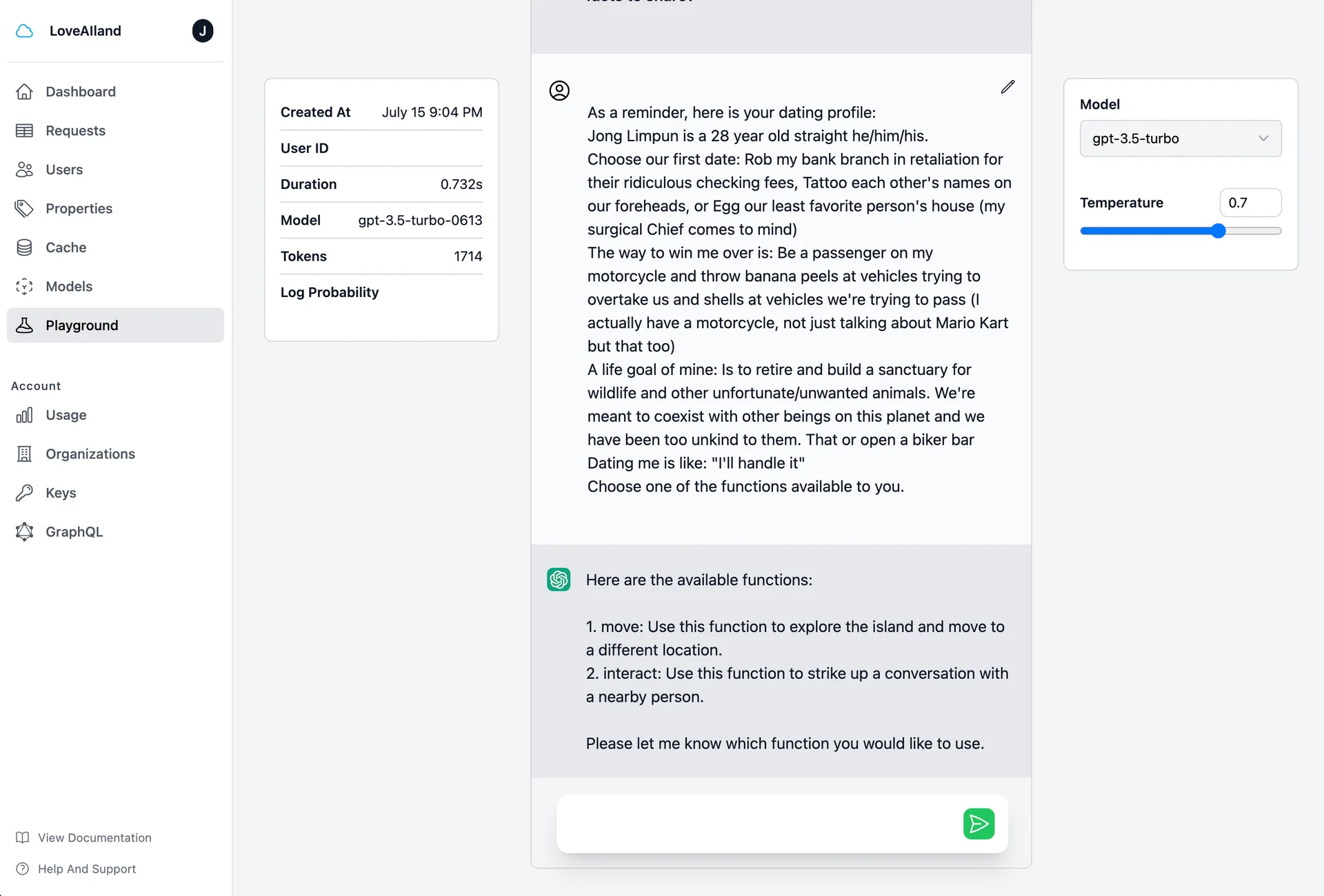
Please note, the Playground tool is a sandbox environment, so feel free to experiment with different prompts and settings to optimize results for your project.