

Build a Multi-Model AI Assistant with Cost Tracking#
This guide shows you how to build a customer support assistant that intelligently routes queries to different AI models based on complexity, using Vercel AI Gateway for model access and Helicone for cost tracking and analytics.
Prerequisites#
- Vercel AI Gateway API key from your Vercel dashboard
- Helicone API key from Helicone
- Node.js project
Setup#
Install the required packages:
Create the AI Client#
Set up a client that routes through Helicone for monitoring:
Classify Query Complexity#
Use gpt-4o-nano with tool calling for precise classification:
Route to Appropriate Model#
Use different models based on query complexity to optimize costs:
Implement Response Caching#
Cache all queries regardless of complexity for maximum cost savings:
Complete Support System#
Here's the full implementation:
Monitor Performance#
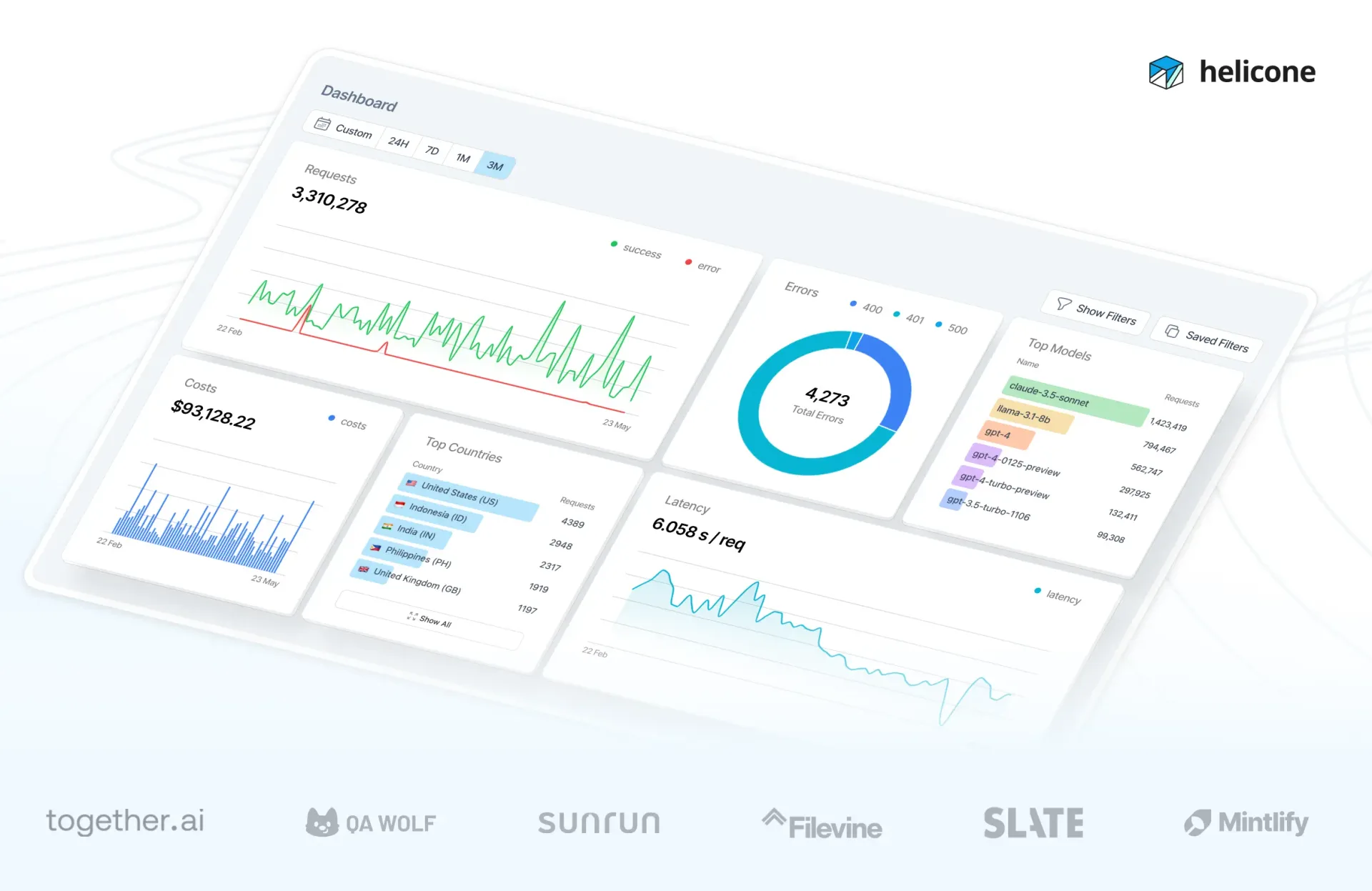
View your assistant's performance in Helicone:
- Cost Analysis: Compare costs across different models
- Response Times: Monitor latency by model and complexity
- Cache Hit Rate: Track savings from cached responses
- User Analytics: See which customers need the most support
Optimize Based on Data#
Use Helicone's analytics to:
- Identify common queries for caching
- Adjust model selection thresholds
- Track cost per ticket complexity
- Monitor customer satisfaction by model